macOS · Apple Silicon
Mac Client
4.1 MB zipThe current player client with native LWJGL libraries for M-series Macs.
Download zipSHA-256 checksum
d3aba02fb806120f987f8b0e7c8df4964a28524ee897f0710fc1db6079b93e69Current test build
Alpha 0.3.17 is a friend-testing build, not a finished release. Download a player client and connect to the one official Bandors-hosted world.
macOS · Apple Silicon
The current player client with native LWJGL libraries for M-series Macs.
Download zipd3aba02fb806120f987f8b0e7c8df4964a28524ee897f0710fc1db6079b93e69Windows · x64
Self-contained Windows x86 installer. No separate JDK is required.
Download installer46826638e8fbc645aab1865979245953f3030633fa352ac008417f13ee5dffb2One official world
Players only need a client, server address, and account. The authoritative game server is privately operated by Bandors and is not distributed as a download.
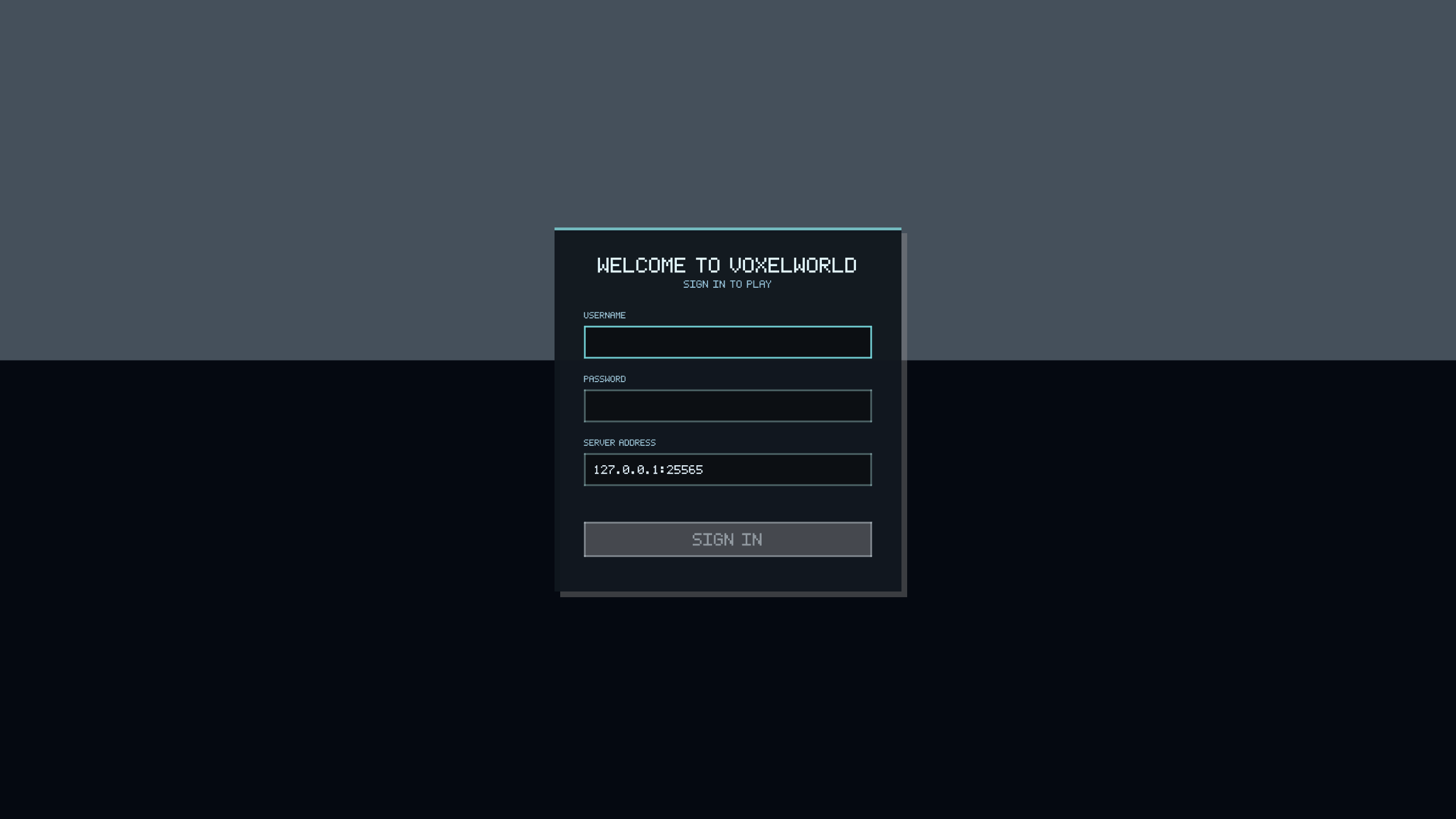
play.projectslop.xyzUse this stable address from home or over the internet.Server: play.projectslop.xyz
macOS: bin/VoxelWorld
Windows: Voxel Slop shortcut
# Enter the server above on the sign-in screen.
# The official public connection is encrypted.